top
v1.0.0

Installation

Theme upload, required plugin installation, and demo import.
Theme Installation

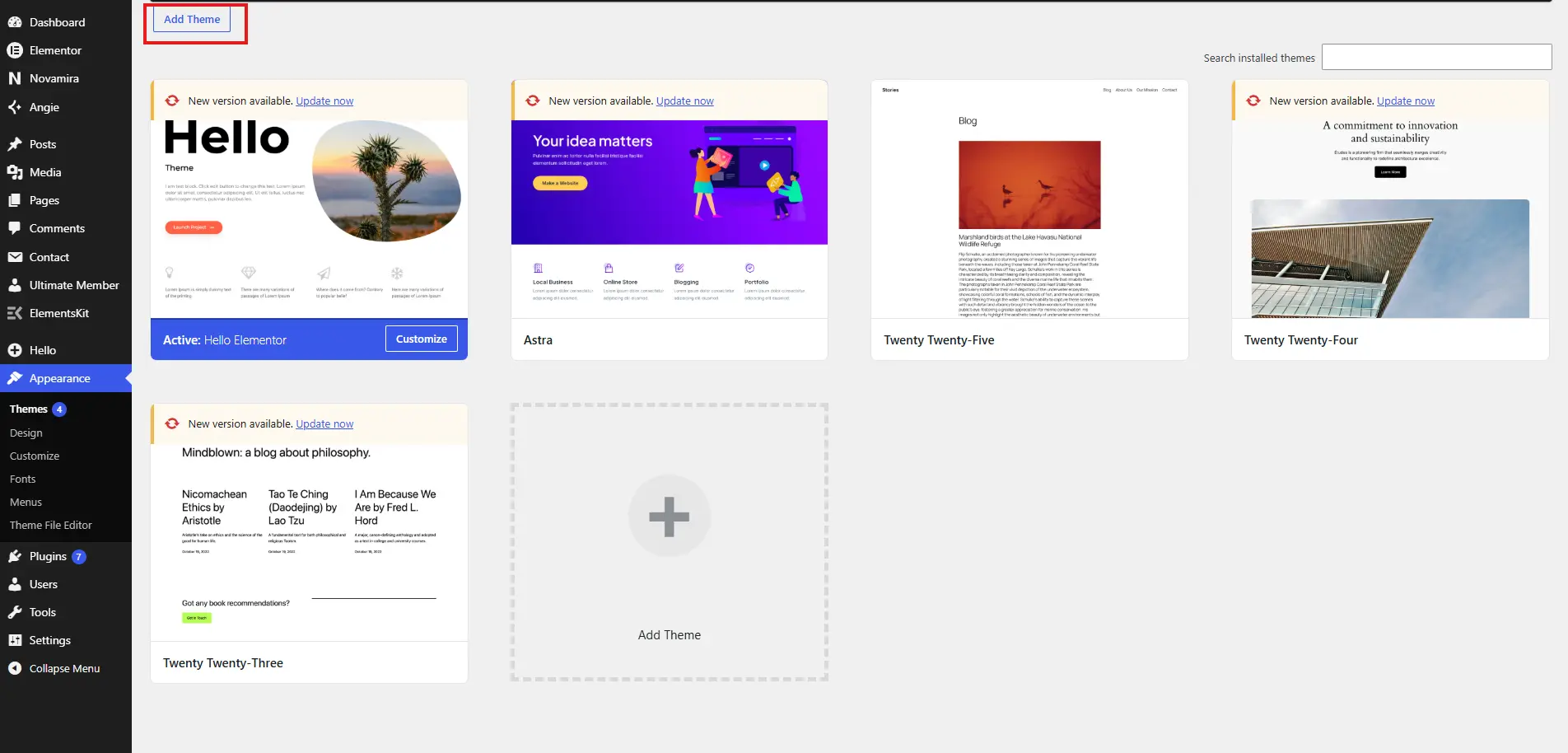
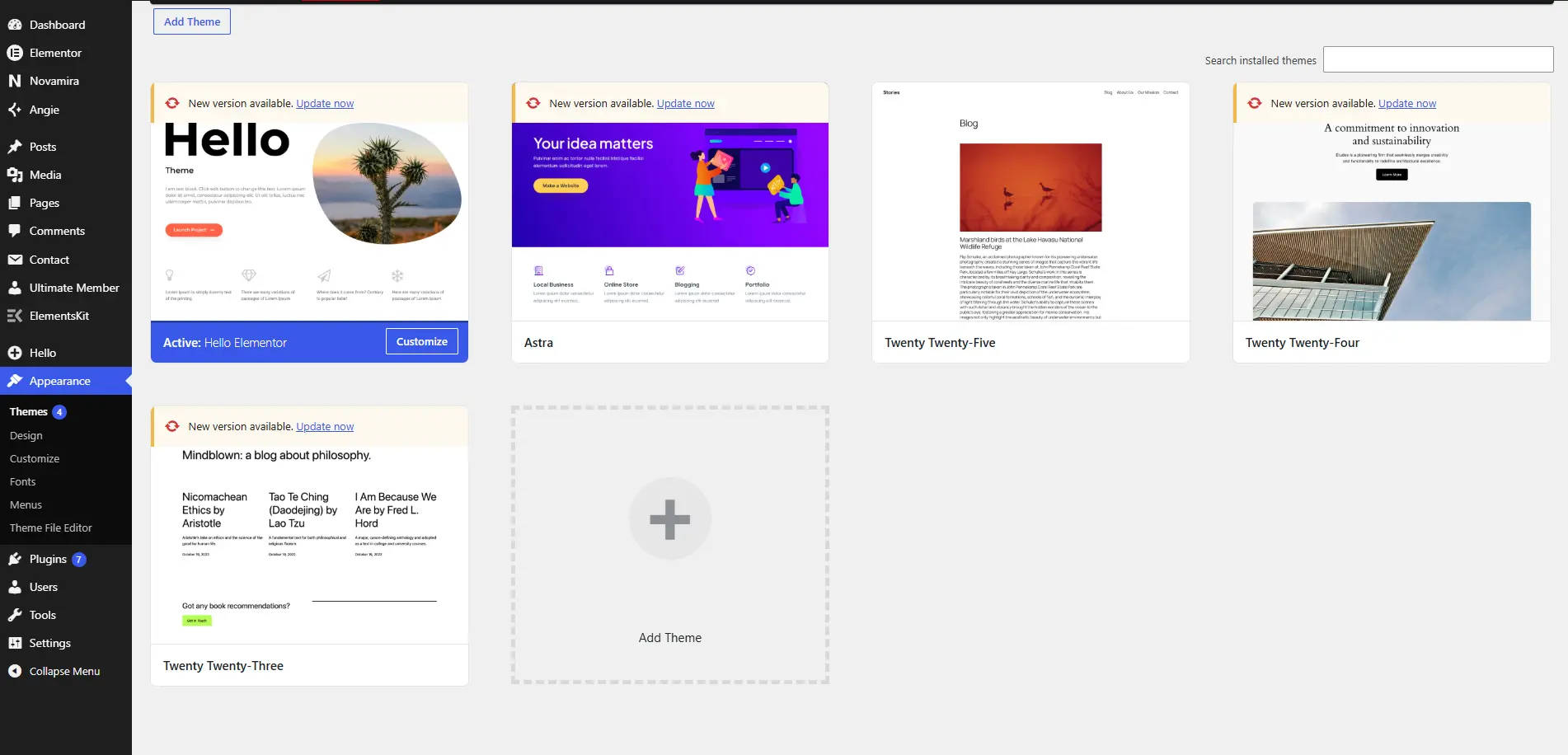
  • Go to Appearance > Themes > Add Theme > Upload Theme.
  • Upload Velnora.zip and click Install Now.
  • Click Activate after installation.
installation
installation

Plugin Installation

  • After activating the theme, click Plugins.
  • Select add plugin and install/activate all.

Required Plugins

  • Elementor
  • ElementsKit
  • Contact Form 7
  • Ultimate Member
installation
installation

Demo Installation

  • Go to Appearance > Import.
  • Click Import this demo and wait for completion.
  • Set front page from Settings > Reading.
installation
  • On this page