Installation
Theme Installation
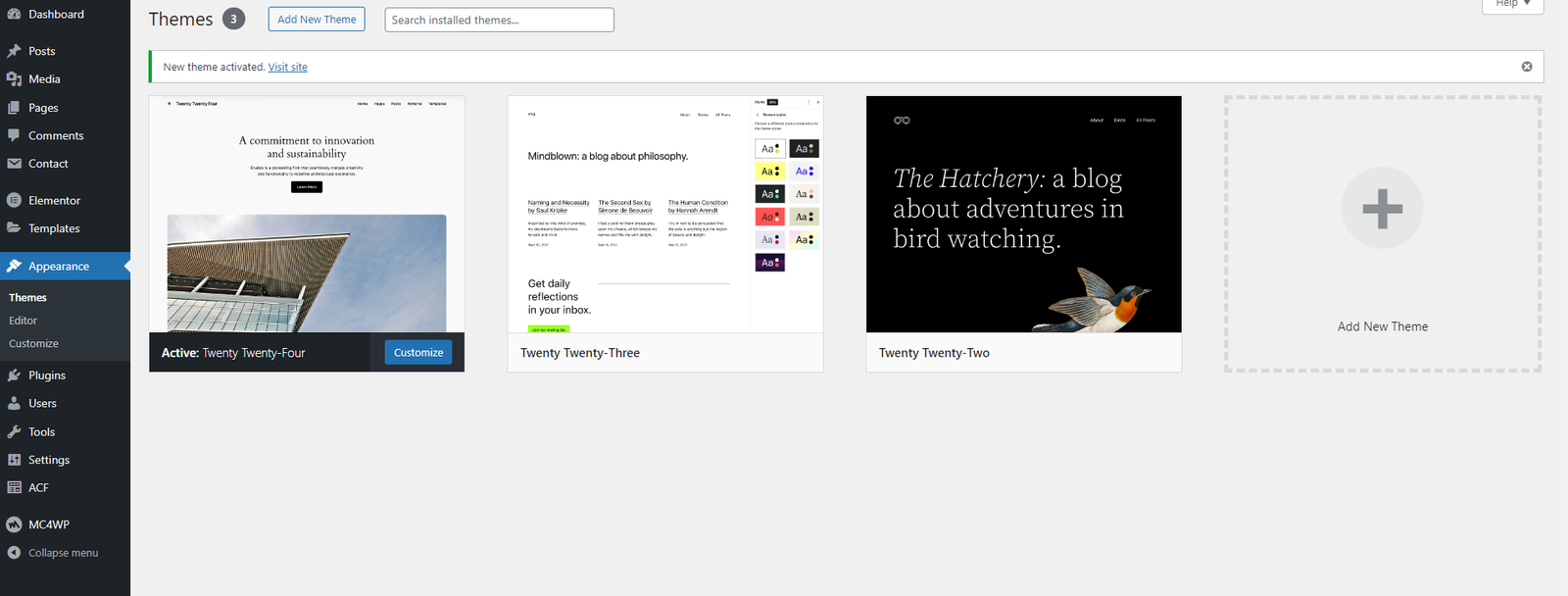
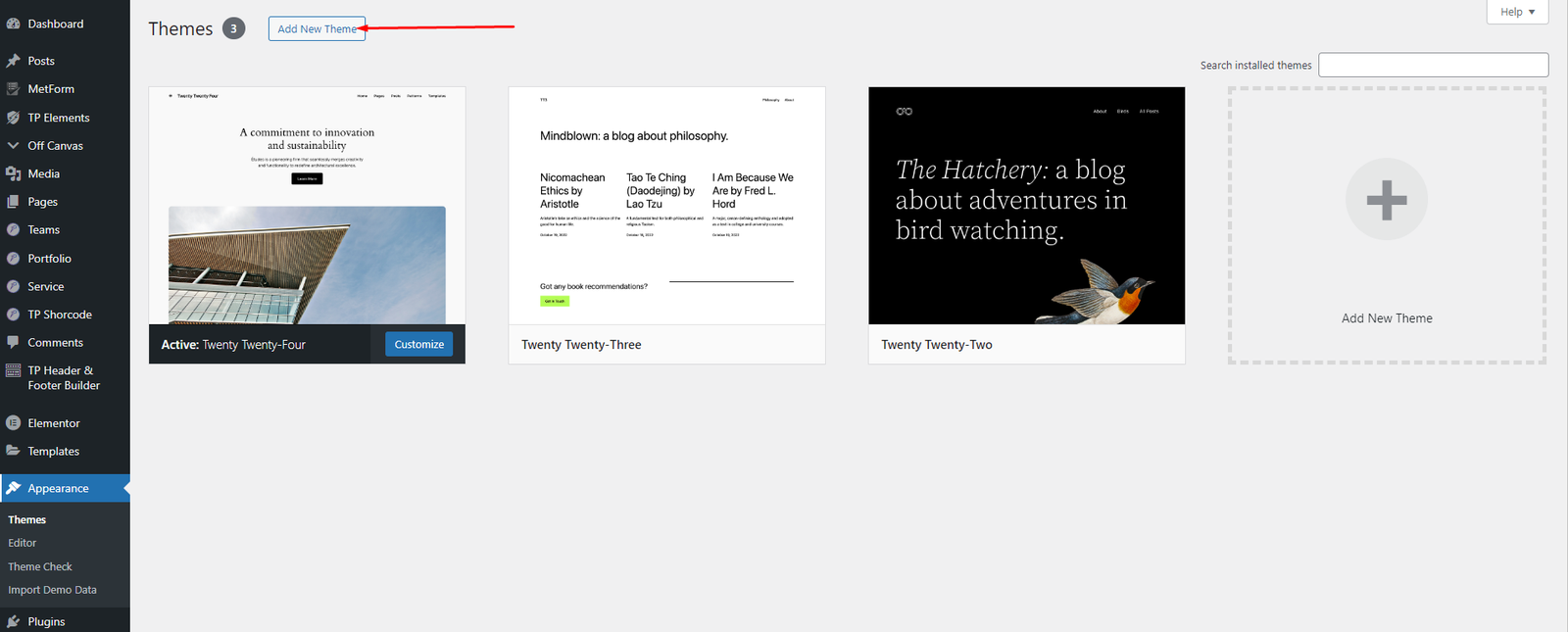
- Go to Appearance > Themes > Add New > Upload Theme.
- Upload carbid.zip and click Install Now.
- Click Activate after installation.
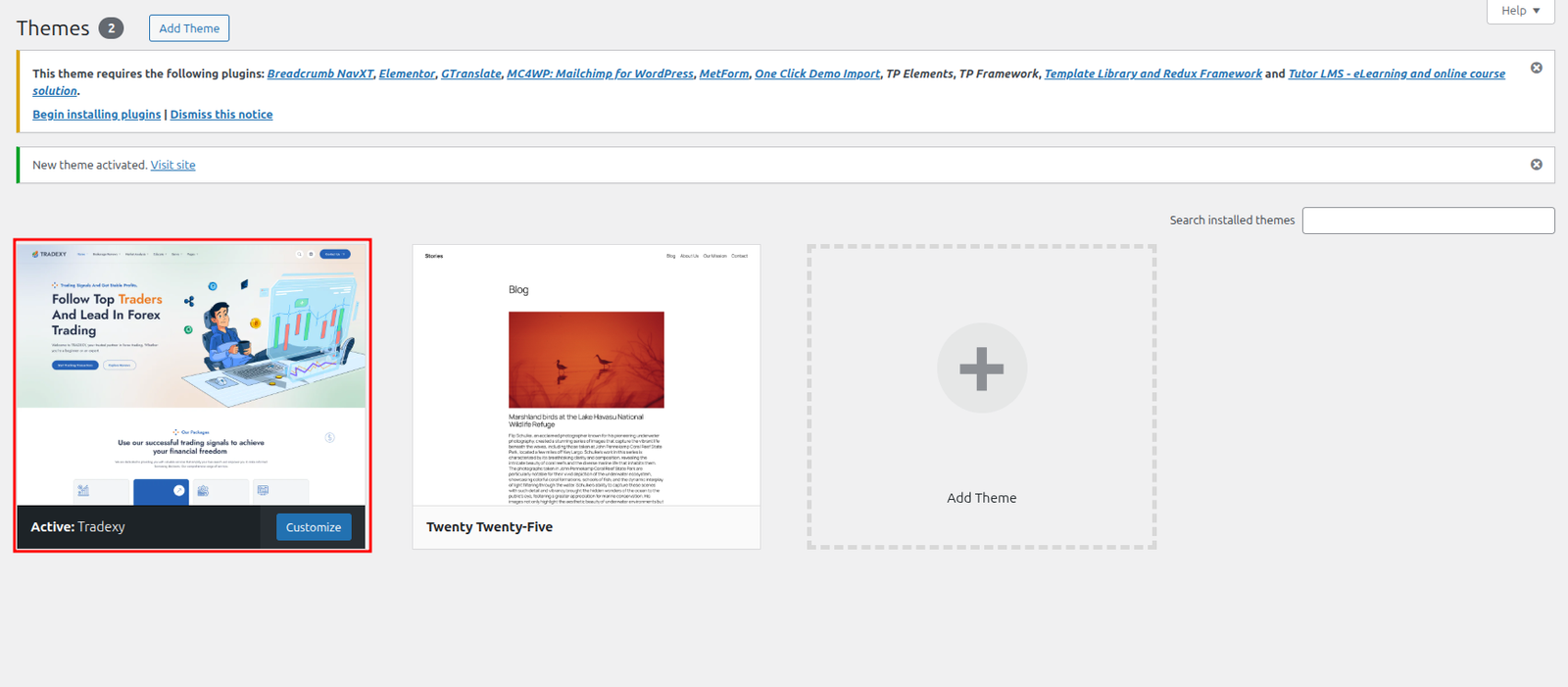
Plugin Installation
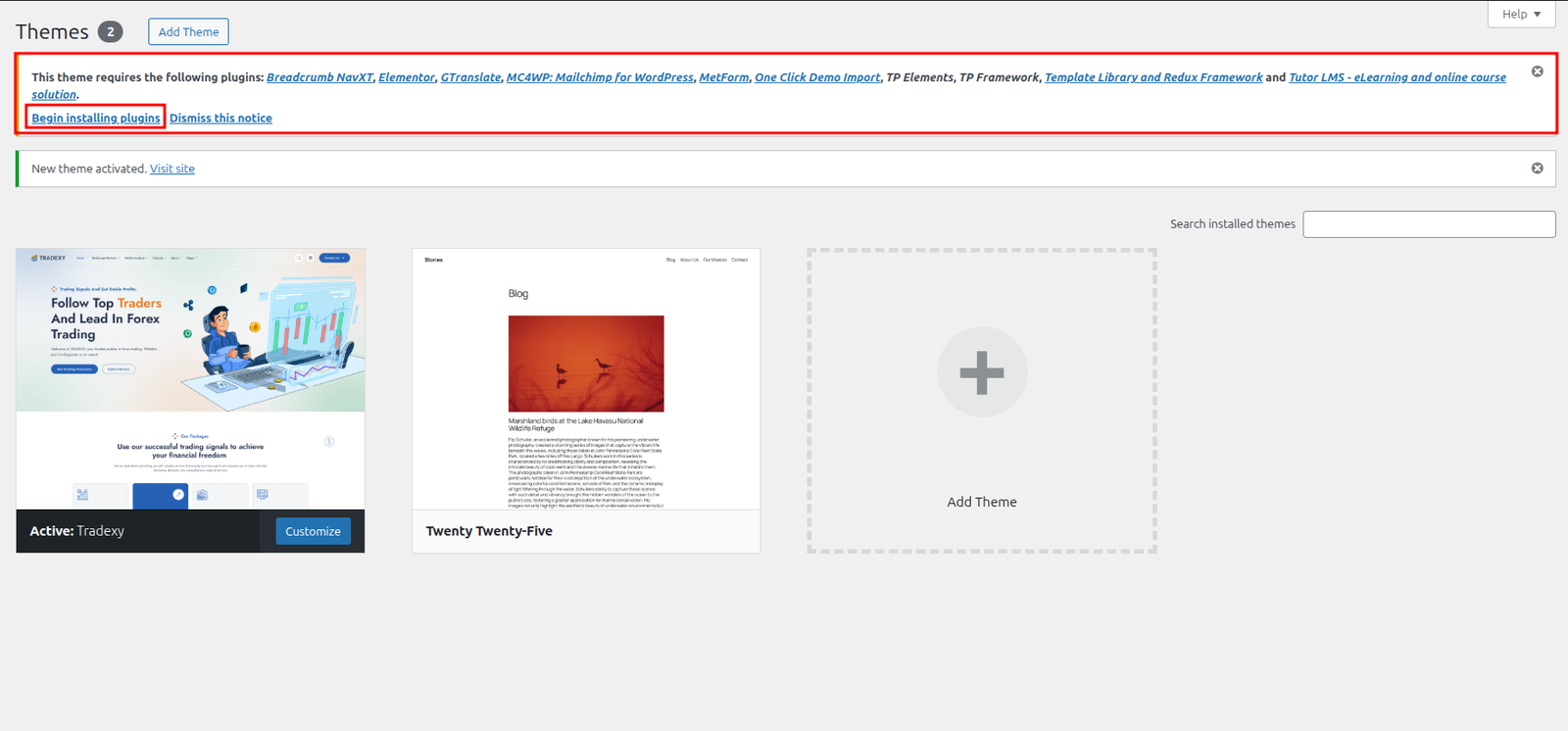
- After activating the theme, click Begin installing plugins.
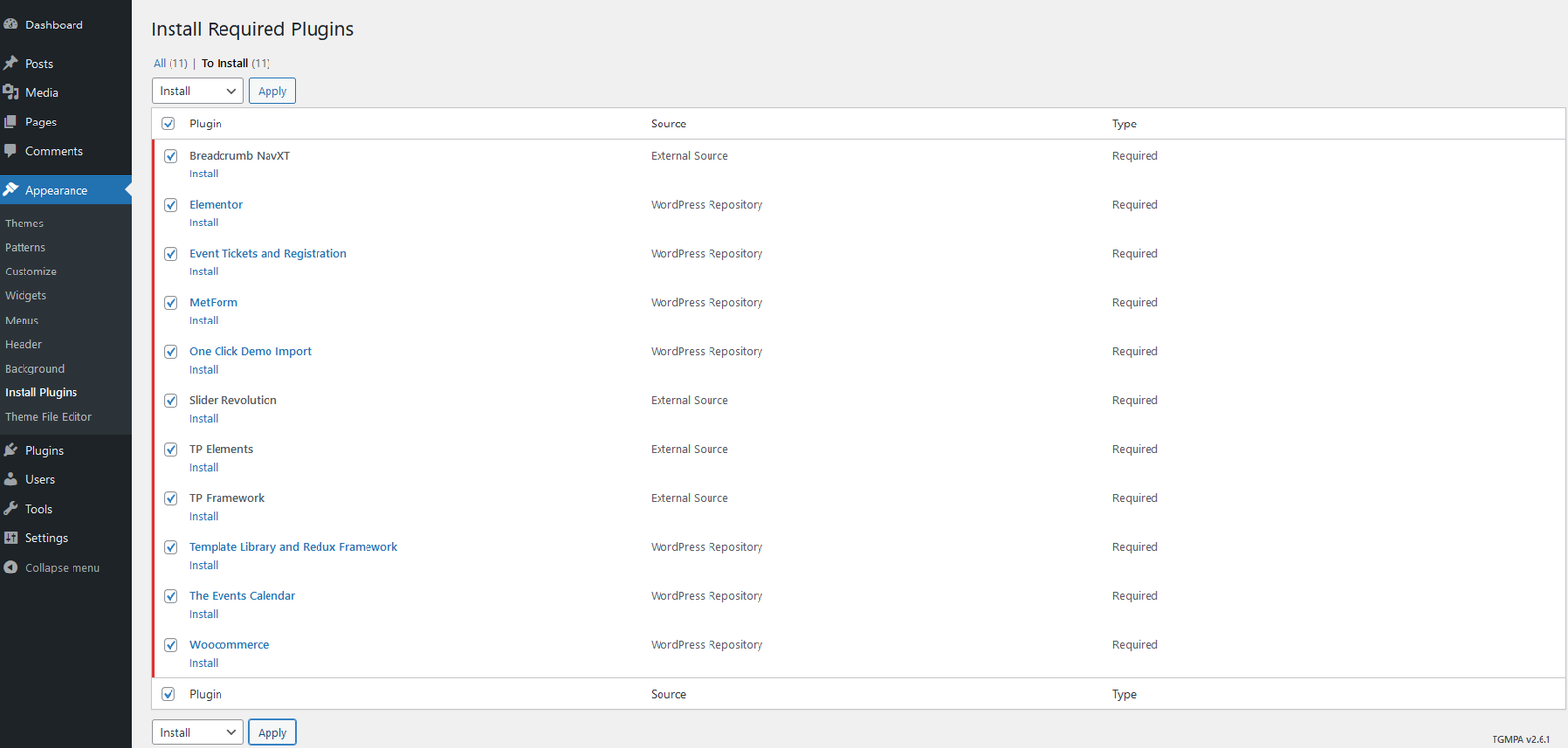
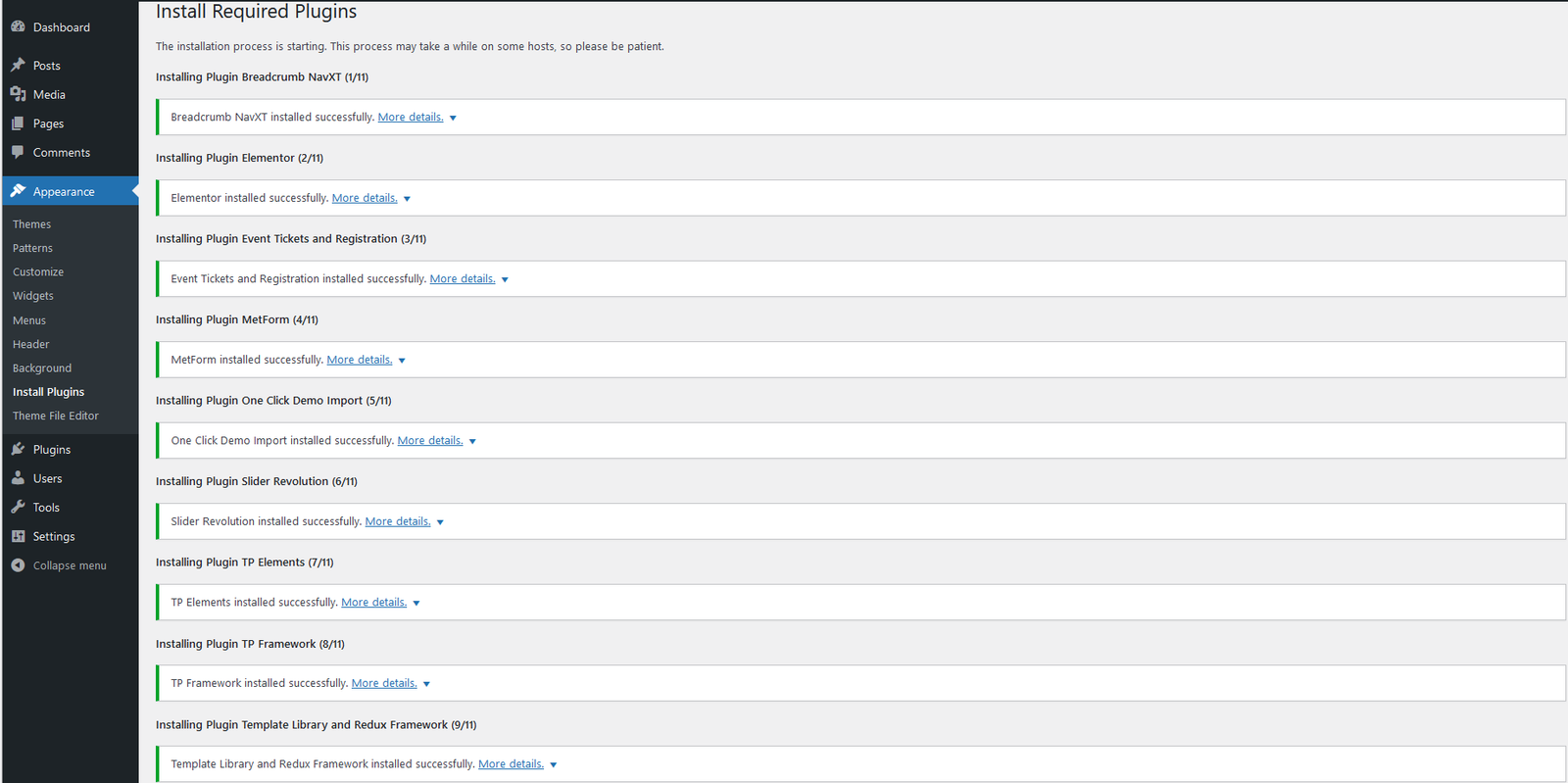
- Select required plugins and install/activate all.
Required Plugins
- Elementor
- SV Elements
- SV Framework
- One Click Demo Import
Demo Installation
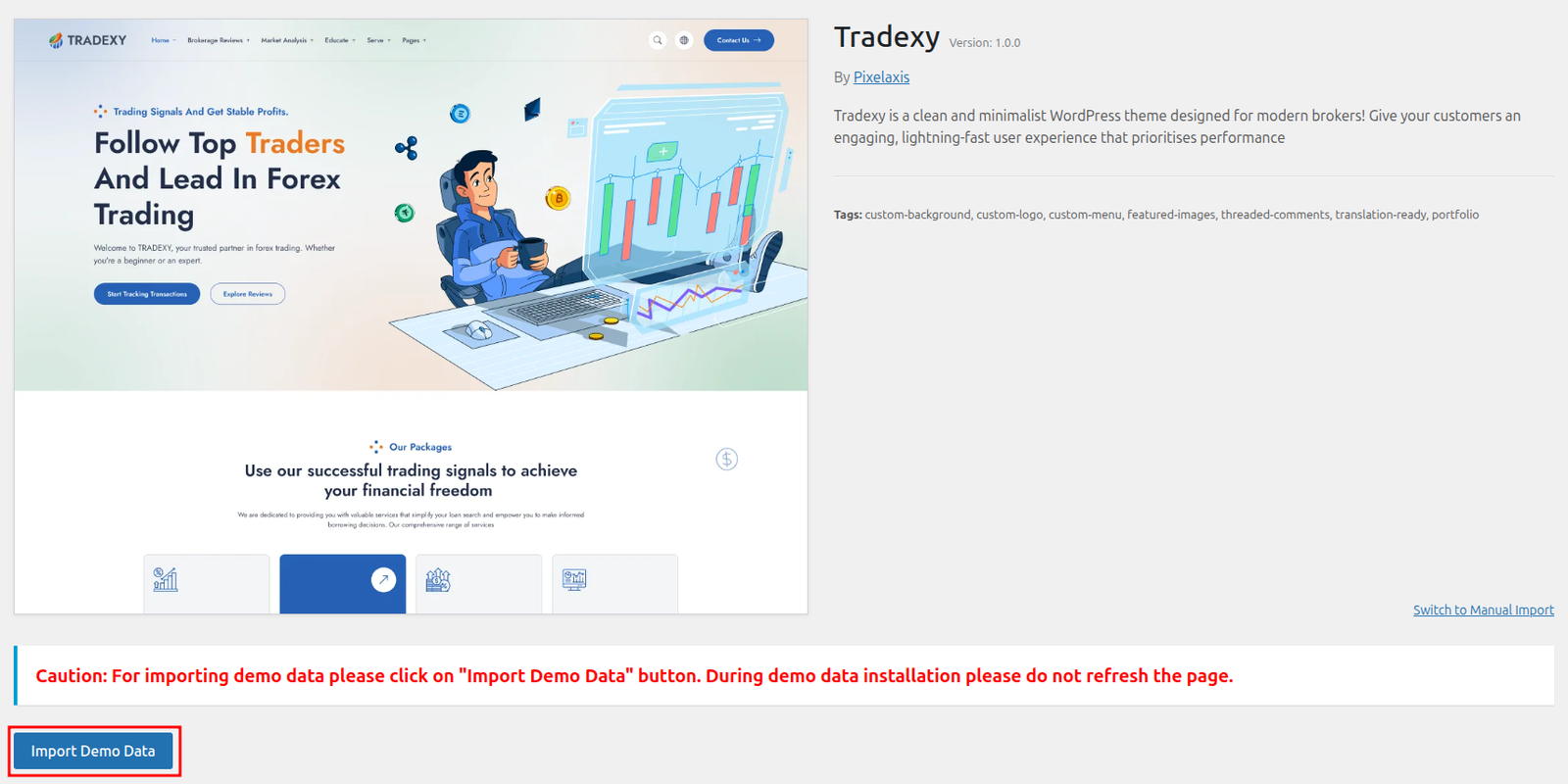
- Go to Appearance > Import.
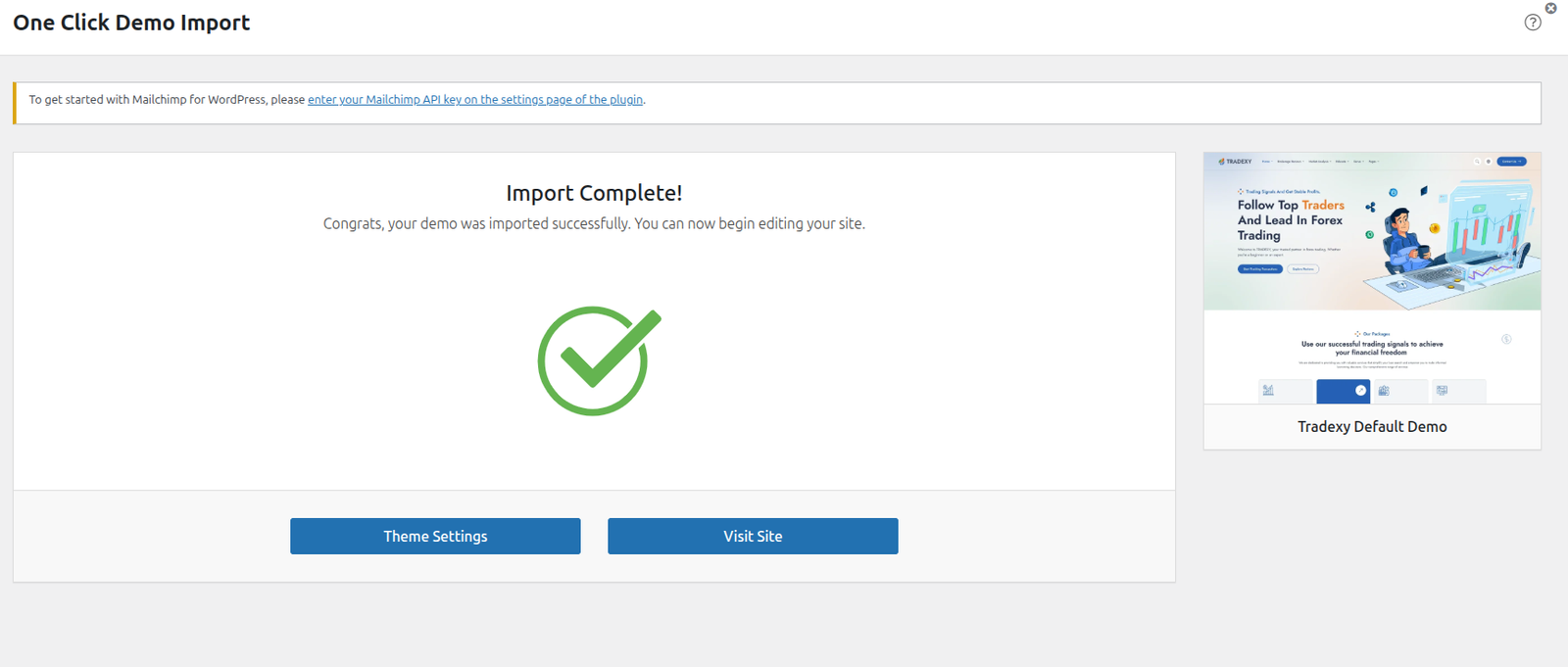
- Click Import this demo and wait for completion.
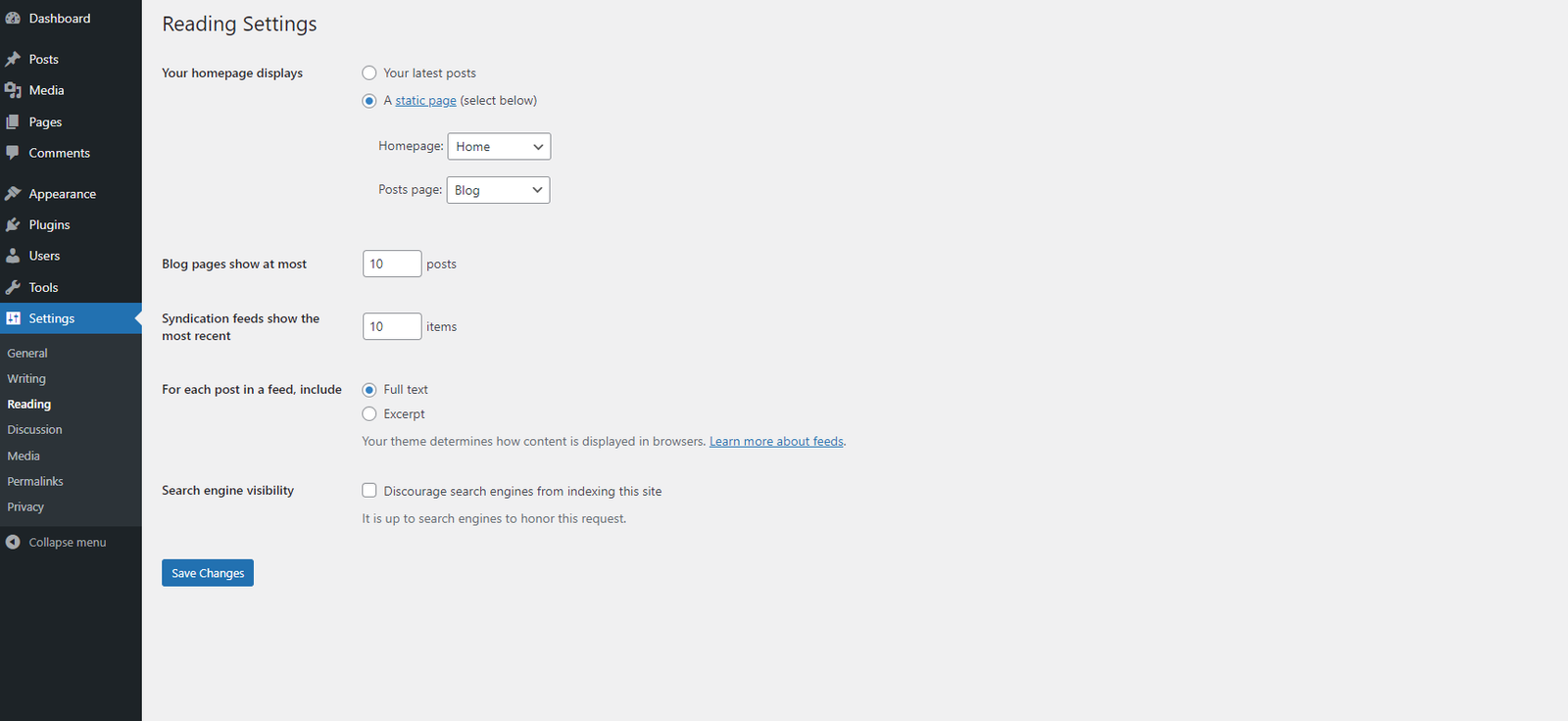
- Set front page from Settings > Reading.
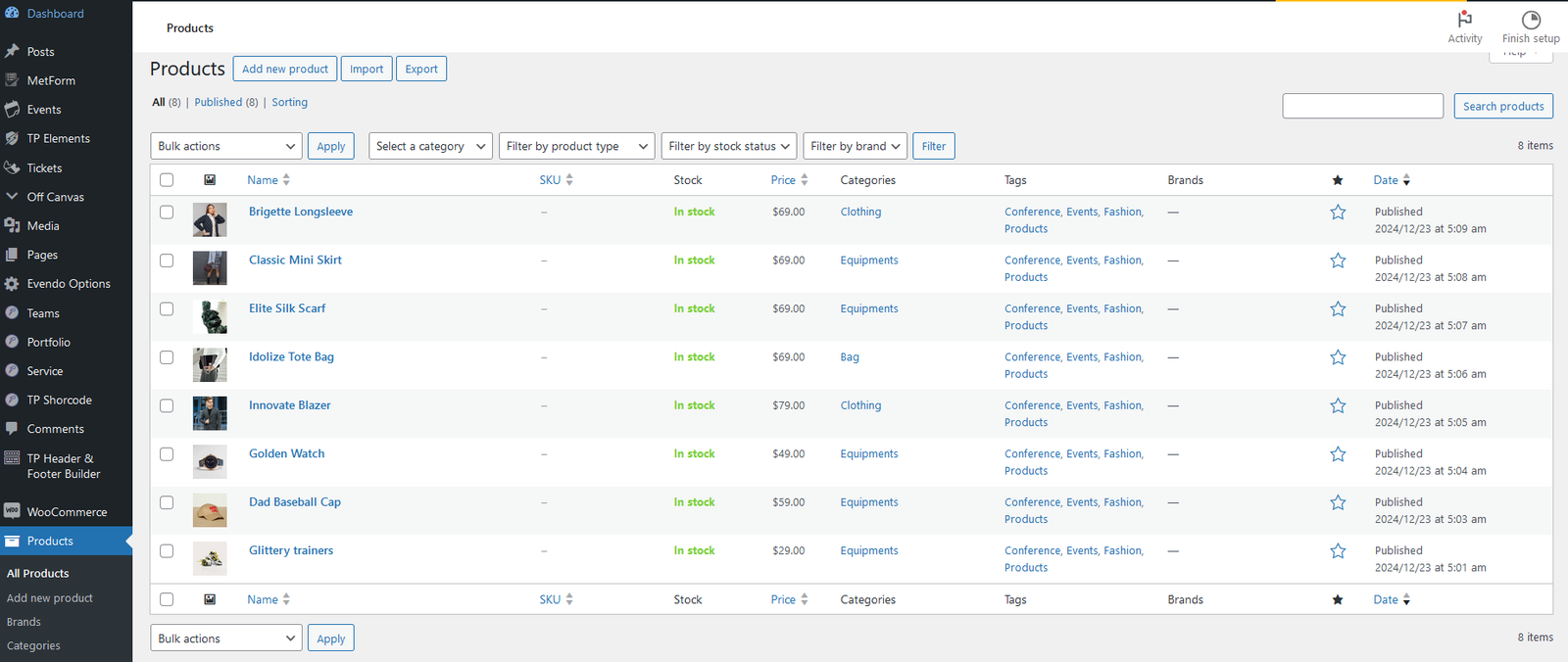
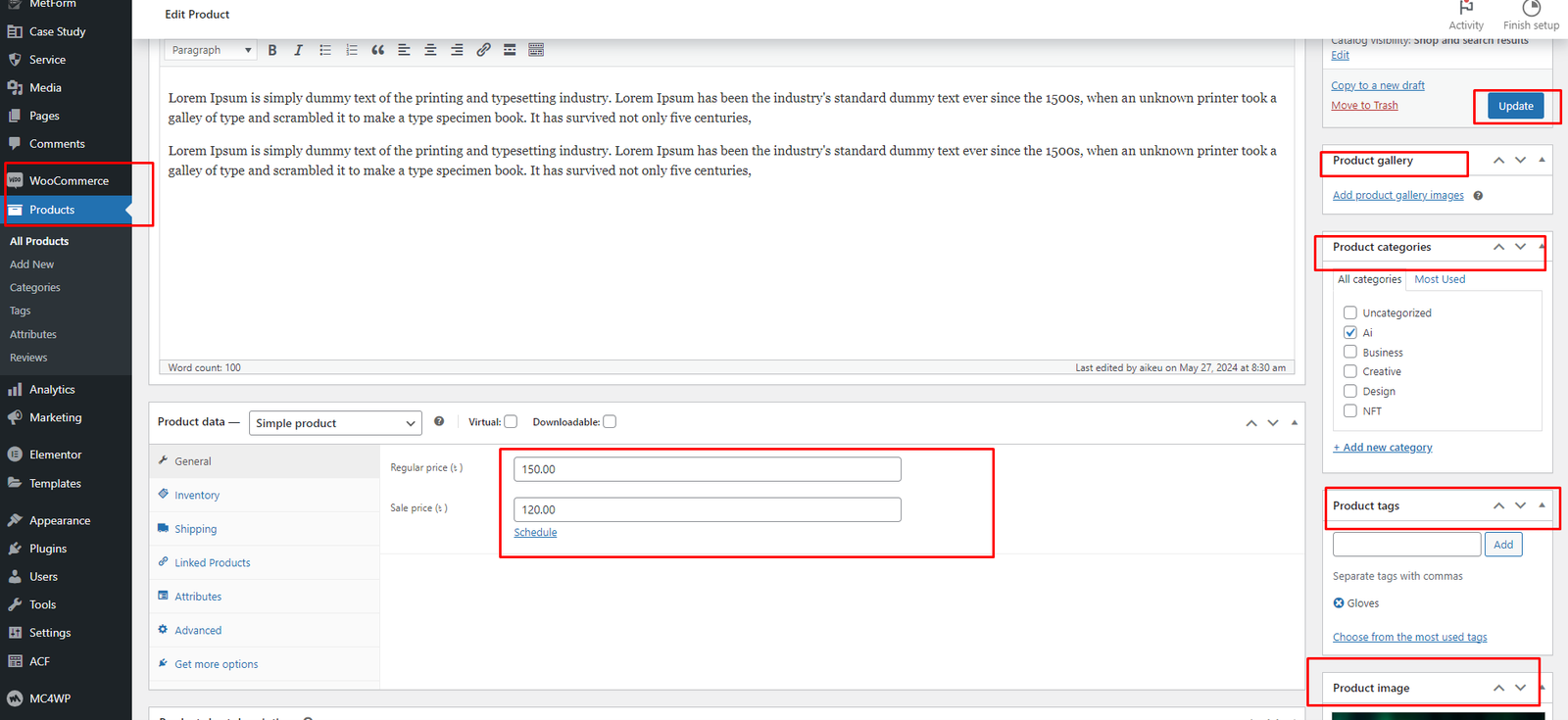
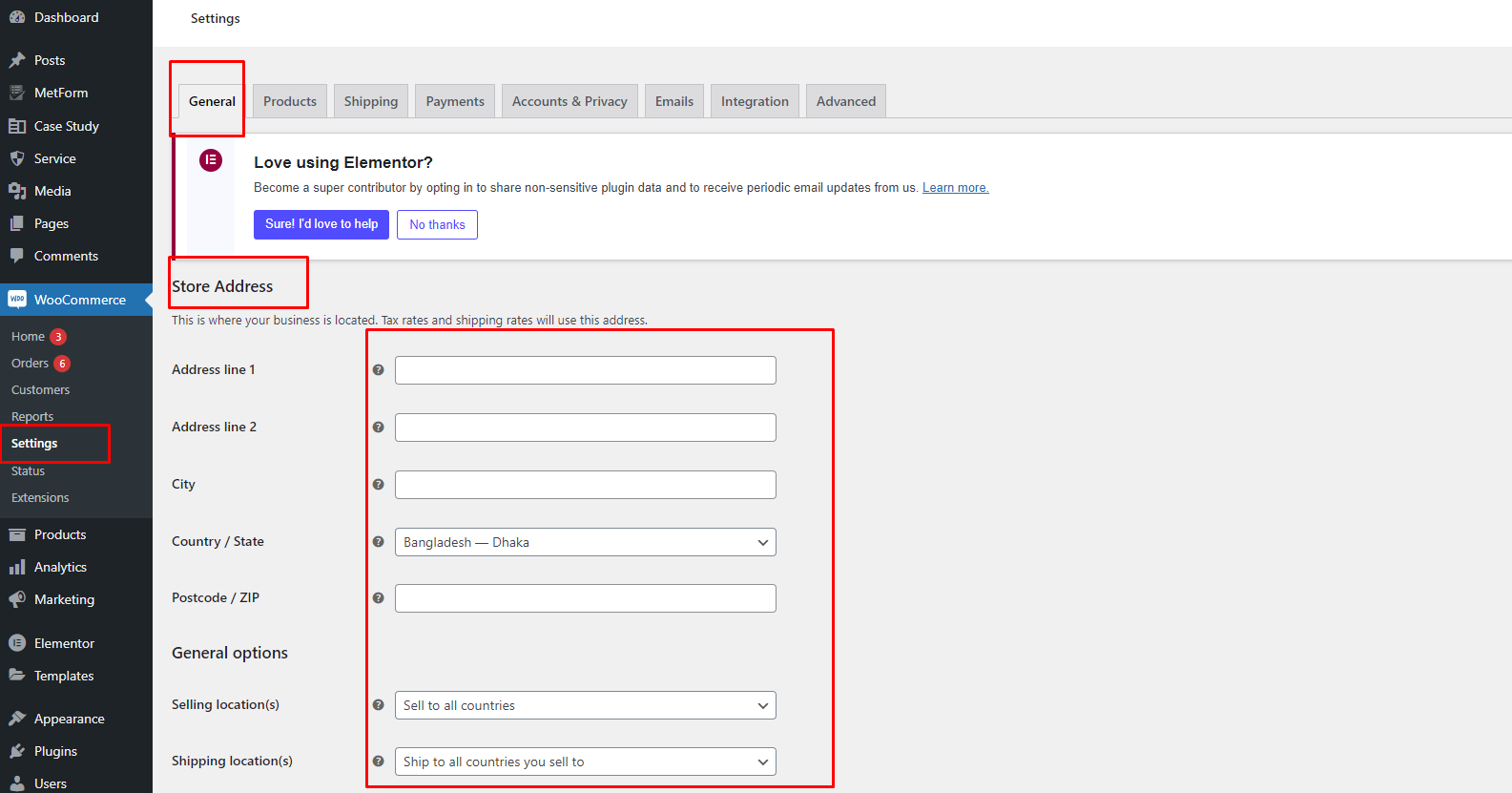
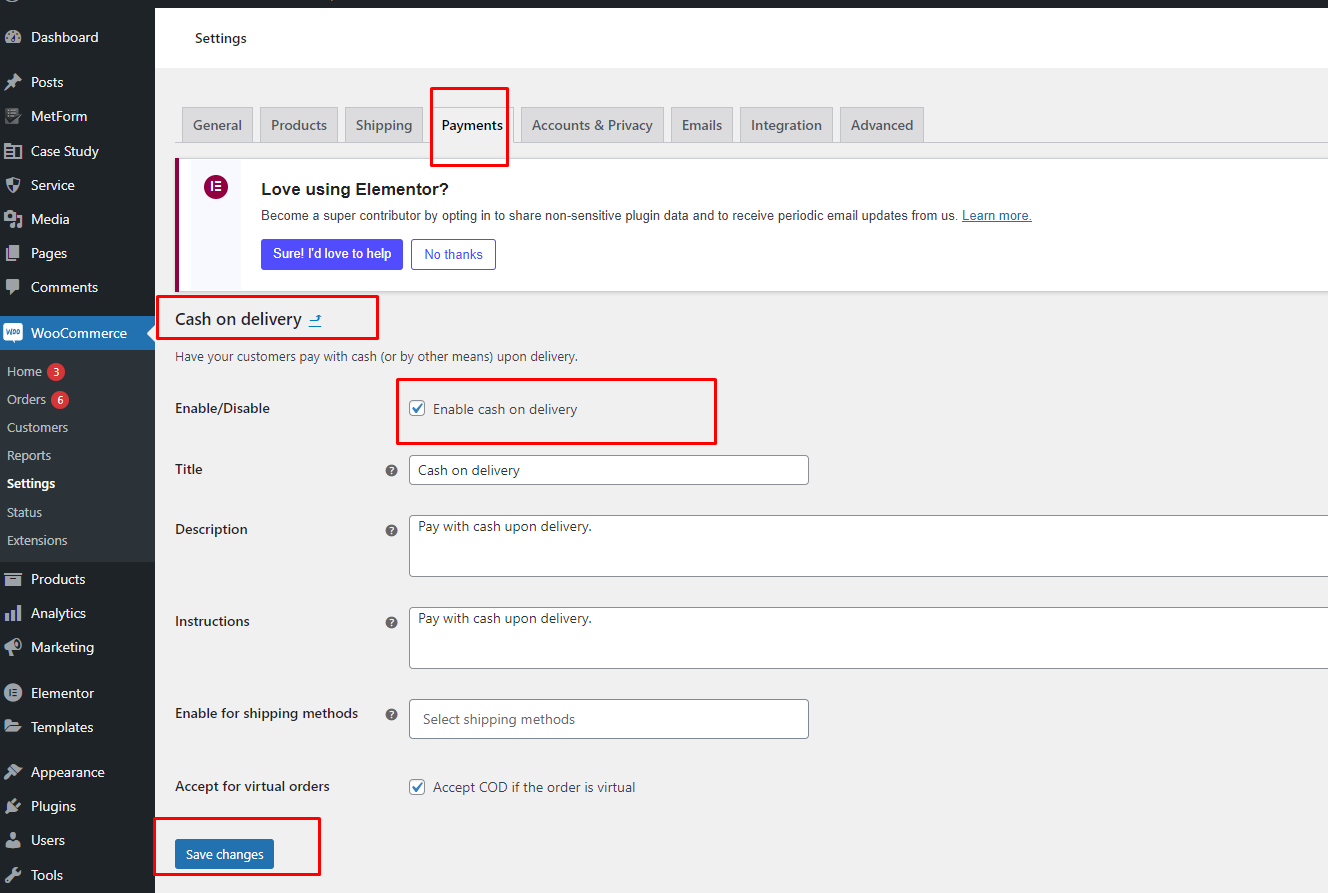
WooCommerce Setup (If Using Shop/Auction Pages)
- Install and activate WooCommerce.
- Run WooCommerce onboarding wizard for pages and currency.
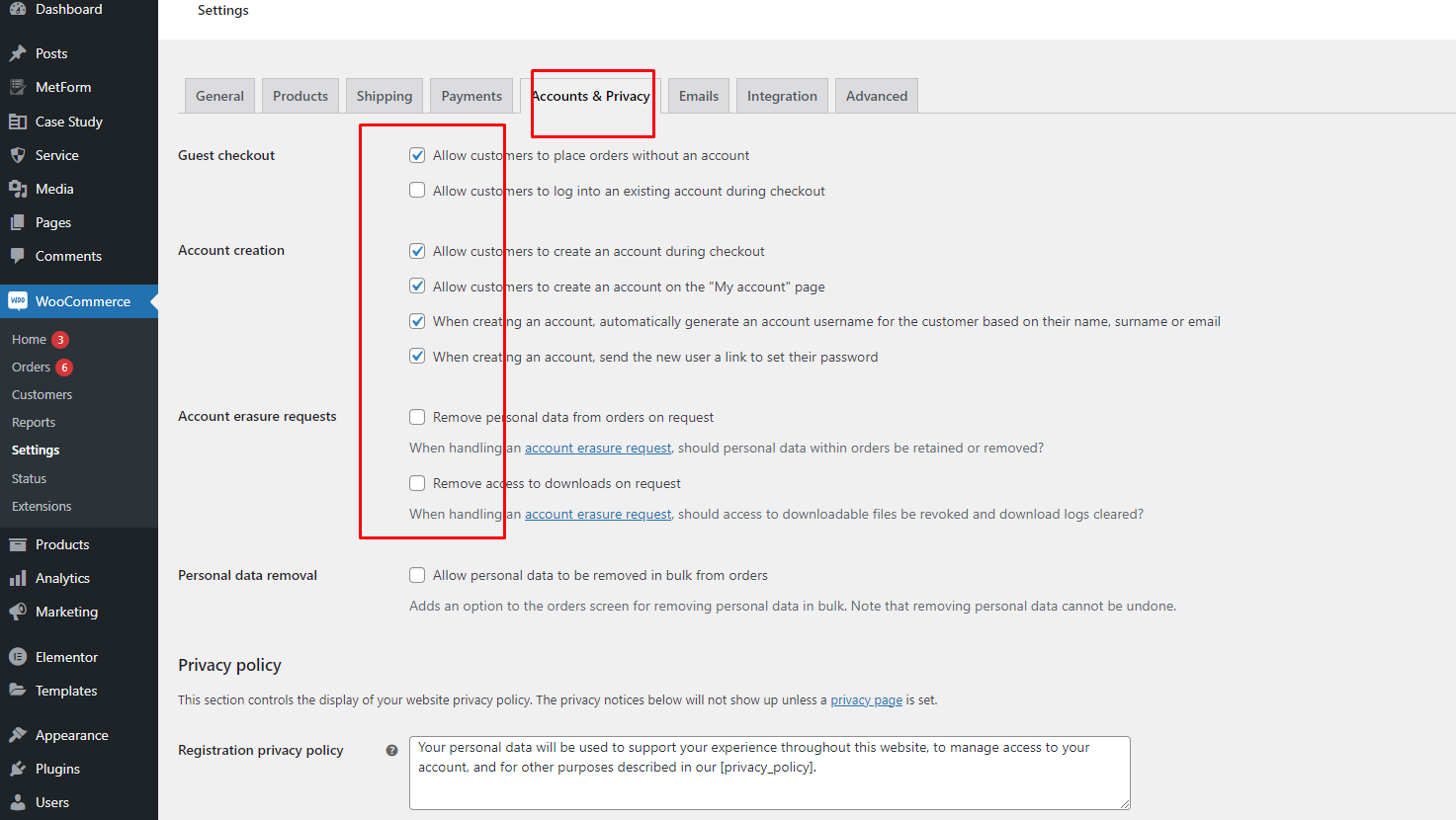
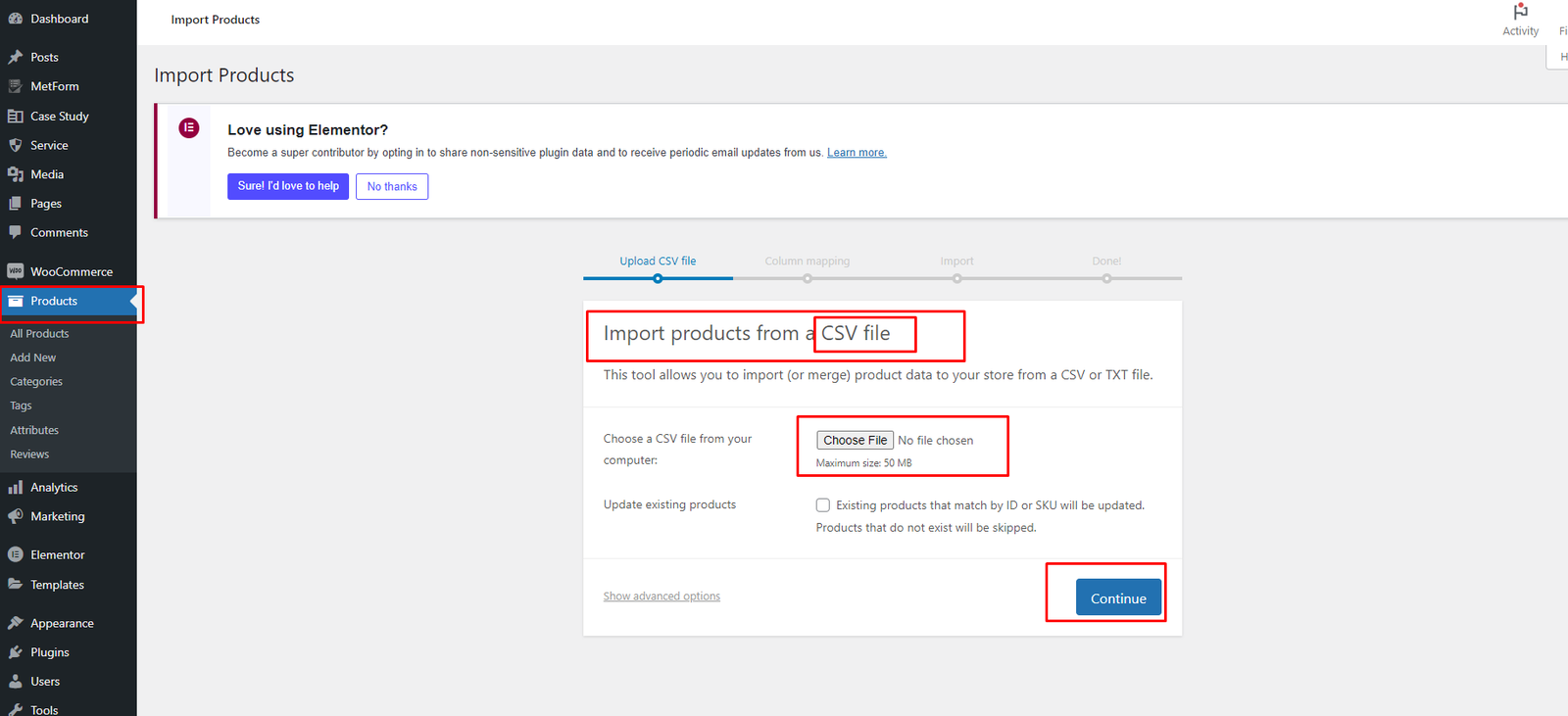
- If needed, import WooCommerce demo products/content.