Carbid Elementor Widgets
Back to Documentation Home

Elementor Widget Settings

Current SV Elements widget controls and plugin-level widget options.

SV Blog Widget

SV Blog Widget
  • Layout: Layout Type, Title HTML Tag.
  • Query: Category, Posts Per Page, Offset, Order By, Order, Pagination.
  • Meta Data: Author, Designation, Date, Category, Comments, Read Time, Tags (with icon and location controls).
  • Button Settings: Read More enable/text/icon.
  • Grid Settings: Columns, gap.
  • Slider Settings: Loop, autoplay, arrows, dots, slides to show/scroll, next/prev icon, spacing.
  • Style Sections: Card, Image, Title, Description, Category and Meta, List Number, Navigation, Slider Pagination, Grid/List Pagination.

SV Icon Box Widget

SV Icon Box Widget
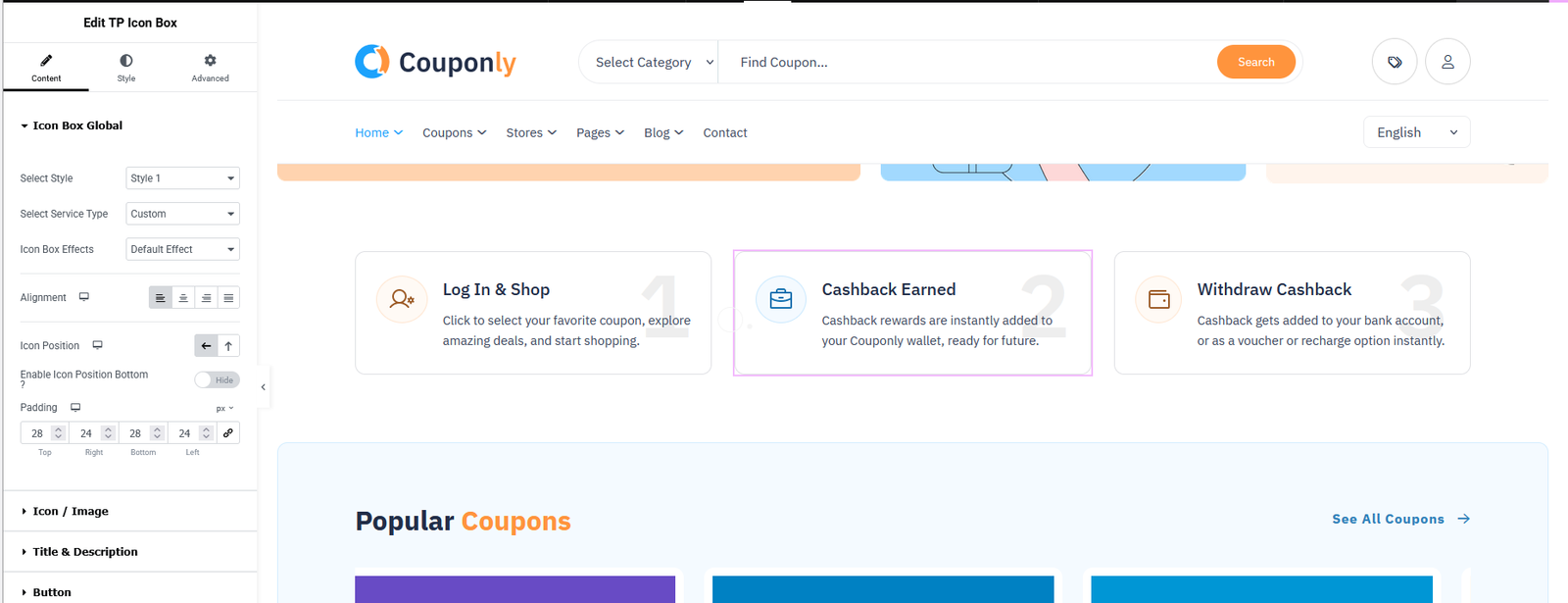
  • Content: Icon Type (Icon/Image), icon/image picker, image size, title, title tag, description, link.
  • Animation: Hover effects (None, Float Up, Zoom In, Pulse, Rotate Icon).
  • Style: Box controls, Icon controls, Title controls, Description controls.

SV Testimonial Widget

SV Testimonial Widget
  • Layout: Style 1 / Style 2.
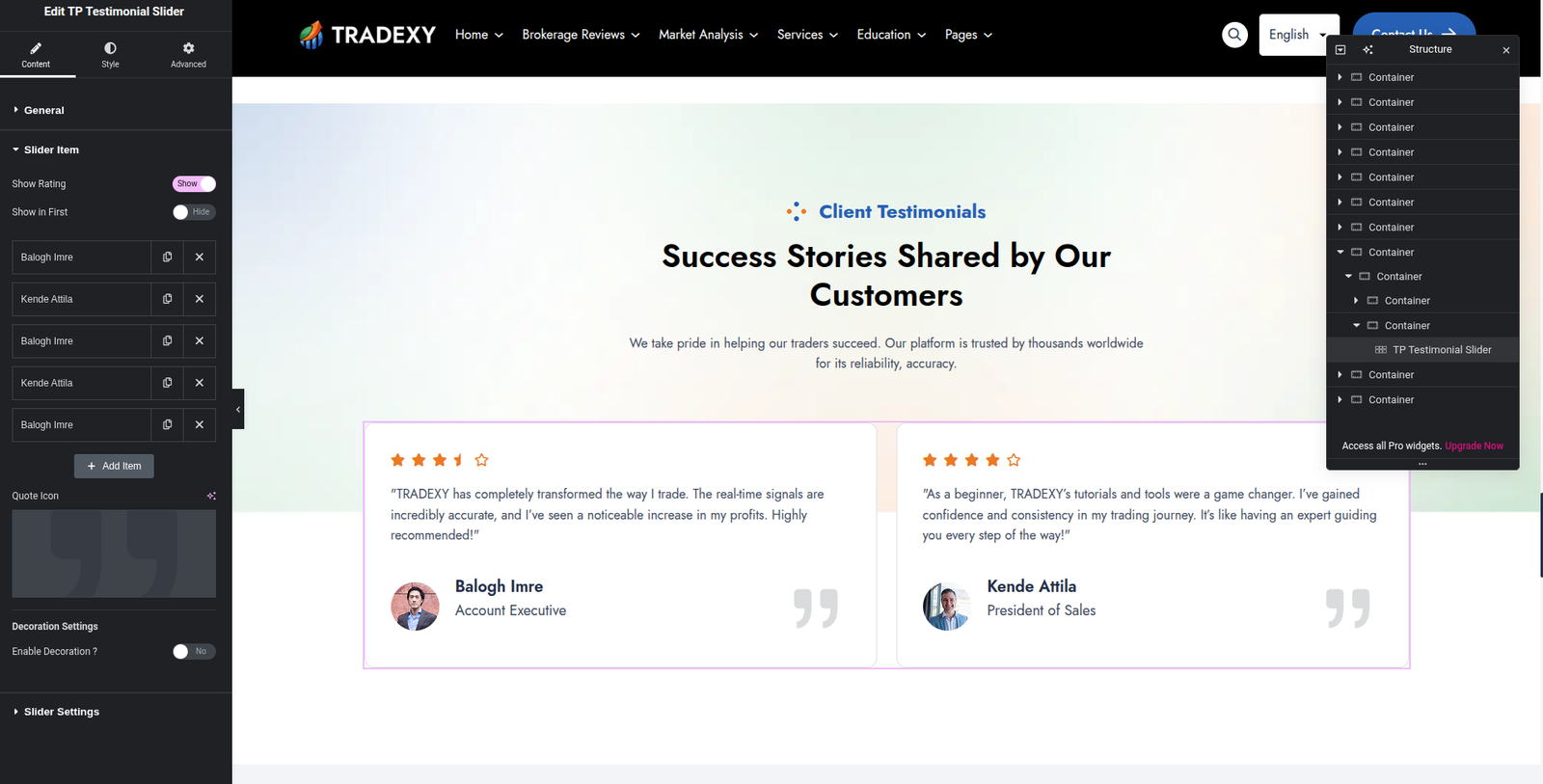
  • Testimonials: Repeater fields (name, label, rating, content, avatar, item, price).
  • Slider: Slides, autoplay, speed, hover pause, loop, arrows, pagination.
  • Style: Card, Author, Content, Item/Price, Rating, Quote Icon, Navigation, Navigation Style 2.

Global Elementor Advanced Controls

  • SV Animations: GSAP / AOS / WOW libraries and animation controls.
  • GSAP: Type, duration, delay, easing, translate X/Y, rotate, scale, trigger, scroll start/end, scrub, markers, repeat.
  • AOS: Animation, duration, delay, easing, animate once, mirror, anchor placement, offset.
  • WOW: Animation, duration, delay, iteration count.
  • SV Text GSAP Animation: Title/description animation, split text, split type, stagger, trigger, scrub.
  • Other Global Controls: SV Opacity, SV CSS Filter, SV Custom CSS, SV Position, SV Stack Cards.

SV Elements Plugin Settings

Dashboard path: SV Elements

  • Widget Manager: Enable/Disable widgets for performance.
  • Smooth Scroll: Duration, direction, easing, touch controls.
  • Cursor Options: Cursor size, speed, border, color, tail style.

Important Notes

  • Some widgets are available only when WooCommerce is active (for example Product Cart, Product Category, Booking Filter).
  • After changing Widget Manager options, save and refresh Elementor editor.

Currently Active SV Elements Widgets (Quick List)

Examples of active widgets in the current plugin build include:

  • SV Title, SV Image, SV Button, SV Video Play Button, SV Accordion, SV Radial Progress, SV Divider.
  • SV Timeline (Horizontal/Vertical), SV Feature Accordion, SV Portfolio, SV Blockquote, SV Business Hour.
  • SV Category, SV CF7, SV Comment, SV Contact Box, SV Image Scroll Gallery, SV Image Hover Effect.
  • SV List, SV Logo Showcase, SV Number Box, SV Progress Bar, SV Icon, SV Icon Box.
  • SV Pricing Table, SV Count Down, SV Slider Controls, SV Social Share, SV Blog, SV Testimonial, SV Popup Video.
  • Header/Footer widgets: Site Logo, Site Search, Site Nav, Single Page Nav, Copyright, Topbar Icon, Signin, Site Canvas.